Warzone Crashing on Launch on Steam (Season 1): 6 Fixes That Work
Warzone crashing at launch on Steam after the Season 1 update is a known issue that Activision has confirmed. Here are 6 fixes, starting with the official ones, plus what to do if none of them work.
If Warzone crashes on Steam the moment you press Play after the Season 1 update, you're dealing with a known issue that Activision has confirmed. Its fix is to verify your game files first, then do a clean reinstall that also deletes the leftover Call of Duty folder in steamapps\common. Activision hasn't said what causes it, and the official Trello card was still open as of November 10.
The fix will cost you a large download. It won't cost you your account. If the downtime has put your season behind, our Warzone Ranked Boostfrom $4.99 can make up the lost progress while your reinstall finishes. Below are all six fixes, from quickest to slowest, with each one labelled as either official or a community workaround.
The Short Version: Quick-Fix Checklist
Verdict: start at the top and stop when the game opens. Most players never get past step 2.
| # | Fix | Source | Effort |
|---|---|---|---|
| 1 | Check Activision server status | Official | 1 minute |
| 2 | Verify integrity of game files (Steam) | Official, first step | Short |
| 3 | Close conflicting background utilities | Community reports | Short |
| 4 | Update GPU drivers and Windows | General advice | Medium |
| 5 | Confirm TPM 2.0 / Secure Boot status | Official requirement | Medium |
| 6 | Clean reinstall + delete the Call of Duty folder | Official, final workaround | Long (100+ GB) |
Some Context: What Changed on November 6
Warzone Season 1 was a big update. It moved Warzone fully onto Modern Warfare 4 and added 2 new maps (Hajin and Zodiac), over 30 new weapons and reworked movement and loot systems. Updates that size often leave broken or orphaned files in existing installs, and Steam installs got hit hardest. Infinity Ward lists the bug as players on Steam "encountering a crash at launch after taking the Season 1 update."
The November 10 patches from Raven and Infinity Ward fixed several other crashes and stability problems, but not this one. Don't wait for a hotfix. Fix it yourself.
Fix 1: Rule Out the Servers
Verdict: takes 60 seconds and can save you hours.
A crash to desktop on your own PC is usually a problem with your install. If you can't log in, MW4, DMZ and Warzone all fail at once, and players on other platforms are complaining too, the problem is on Activision's side. Check the Activision Online Services status page and the @CODUpdates account on X before you delete anything. If the servers are down, reinstalling won't help and you'll have wasted a 100 GB download.
Fix 2: Verify Integrity of Game Files (Official)
Verdict: the first step Activision recommends, and the right place to start.
- Open your Steam Library.
- Right-click Call of Duty and choose Properties.
- Go to Installed Files and click Verify integrity of game files.
- Let it finish completely, then launch again.
This fixes cases where the Season 1 download finished with a missing or damaged file. It doesn't always work, so if you still crash, move on.
Fix 3: Close Background Utilities (Community Workaround)
Verdict: unconfirmed, but free to try before a full reinstall.
Some players say MW4 and Warzone started launching after they stopped GoodbyeDPI and restarted Windows. One player fixed it by uninstalling Spybot Anti-Beacon. These are individual reports, not a confirmed cause, so treat them as a cheap thing to test.
You may also see a RICOCHET screen flash up before the crash. That doesn't prove the anti-cheat is at fault, and you should never try to delete or disable RICOCHET services yourself.
One more thing: if you run Warzone Agent, the paid lobby-checking app, close it. That isn't this bug, though. Since Season 1, Activision detects the app at launch, shows a notification and blocks Multiplayer modes until you close it. Players who try to get around the block can receive temporary or permanent bans.
Fix 4: Update GPU Drivers and Windows
Verdict: basic upkeep, and still a common cause of launch failures.
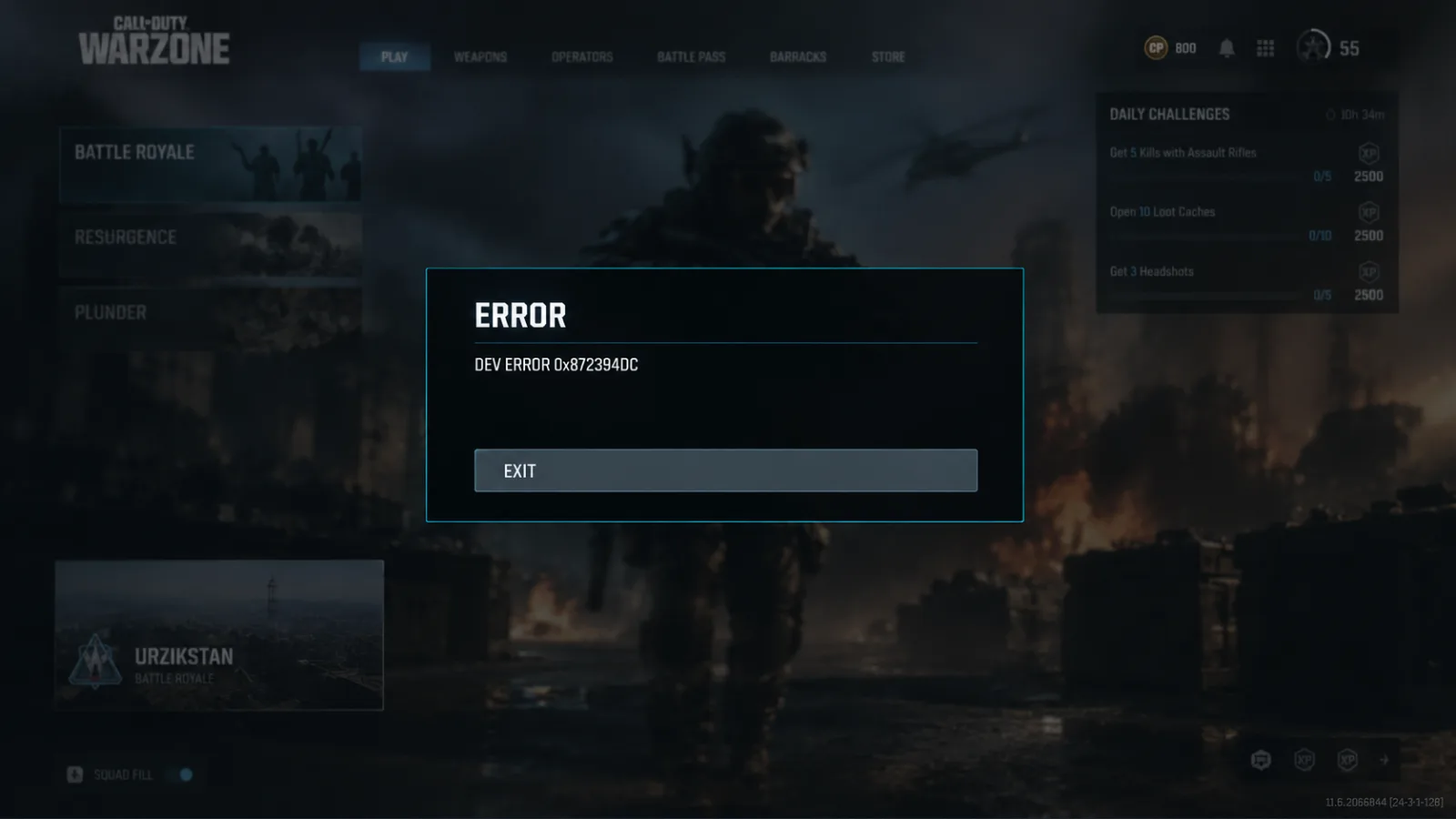
Get the latest driver directly from NVIDIA, AMD or Intel, not through Windows Update's optional updates. Install any pending Windows updates, then restart the whole PC, not just Steam. If the game opens but crashes once you're in a match, go straight to our guide to Warzone Dev Error 0x872394dc.
Fix 5: Check Your TPM 2.0 and Secure Boot Status
Verdict: required on PC, and a failure can look like a launch problem.
MW4 and Warzone require TPM 2.0 and Secure Boot. Activision's support page says PCs that don't meet the requirements are blocked from all online modes. Run the Secure Attestation check in COD HQ. If it reports BIOS Firmware: Update Required, the only fix is a firmware update from your motherboard or laptop maker. Don't use bypass tools, because they can get your account flagged. Console players can skip this step. It only applies to PC.
Fix 6: Clean Reinstall (Official Final Workaround)
Verdict: the fix that actually works, at the cost of a very large download.
- Uninstall both Modern Warfare 4 and Warzone from inside Steam. Don't just delete folders yet.
- Go to your Steam library drive and open
steamapps\common. - Delete the leftover Call of Duty folder.
- Reinstall through Steam.
Step 3 is the important one. A normal uninstall can leave old files behind, and those leftovers seem to be what keeps the crash coming back.
Don't skip deleting the folder. If you reinstall on top of the old Call of Duty directory, you can end up with the same crash after a 100+ GB download.
Pros of the clean reinstall:
- It's Activision's own documented workaround, not forum guesswork
- It clears out corrupted and orphaned files in one go
- It doesn't touch your account, camos or progression, which are stored on Activision's servers
Cons of the clean reinstall:
- It's a 100+ GB download, which can take hours on slower connections
- It won't fix crashes caused by background software, drivers or your Windows setup
- You'll need to re-download shaders and redo your PC settings
On Battle.net or the Xbox App Instead?
The official known issue only covers Steam. On Battle.net, start with Scan and Repair (gear icon next to Play) and Check for Updates, then go through fixes 3 to 5 above. On the Xbox app, Activision's support suggestions are to check the 10-device limit in Microsoft Store device management and to install any MW4 Content Packs you're missing.
Will Any of This Get My Account Banned?
No. Verifying files, reinstalling, updating drivers and updating your BIOS are all completely safe. The risks are tools that bypass TPM checks and lobby-checking apps like Warzone Agent, which Activision now enforces against directly. If you get a connection error rather than a crash, our HUENEME-NEGEV error guide explains how to fix your network route.
If Nothing Works
- Submit a Call of Duty PC Crash Report through Activision Support. Crash data helps the developers find the cause.
- Check the Known Issues pages for Warzone and MW4 on support.activision.com.
- Watch the Trello card linked from @CODUpdates. When it moves to Resolved, a real patch is live.
- Use the Warzone Bug Report form if your crash doesn't match the Steam issue.
It's a dull answer, but if the clean reinstall didn't fix it, you're probably waiting on Infinity Ward and Steam, who say they're working on a fix together.
Between troubleshooting and a 100+ GB re-download, this crash can easily cost you an evening or more at the start of a new season. If you'd rather not lose more time catching up once you're back in, our Warzone Ranked Boostfrom $4.99 handles the climb while you play the parts you enjoy.
Related Call of Duty: Warzone services
Vetted boosters handle the grind covered in this guide, with live support and scheduled delivery.
Warzone Ranked Boost – Resurgence Ranked Play
Climb the Warzone Resurgence Ranked ladder from Bronze to Iridescent with professional players. Our experienced boosters complete the Ranked progression directly on your account and help you reach your desired Rank and SR.
Warzone Nuke Boost – Champion’s Quest
Complete the Warzone Champion’s Quest and unlock exclusive Nuke rewards, including the Axia Grimm Operator Skin, weapon camos, calling cards, and more. Fast, safe, and professional completion.