Mistfall Hunter Connection Failed (Code 1): 6 Real Fixes
Connection Failed (Code 1) means your Mistfall Hunter client never reached Bellring's login servers — usually a network or region-routing problem, not a broken install. Here are the six fixes worth trying, in order.
Connection Failed (Code 1) means your Mistfall Hunter client never reached Bellring's servers at all, and the most common cause is a network-level routing or firewall problem between you and the nearest game region — not a corrupted install. The error shows up at the login screen or right after launch, and it means the client cannot establish a connection to Bellring's authentication or game servers. It has been reported since the open beta and still hits the full launch build, especially for players connecting from regions far from an available server location.
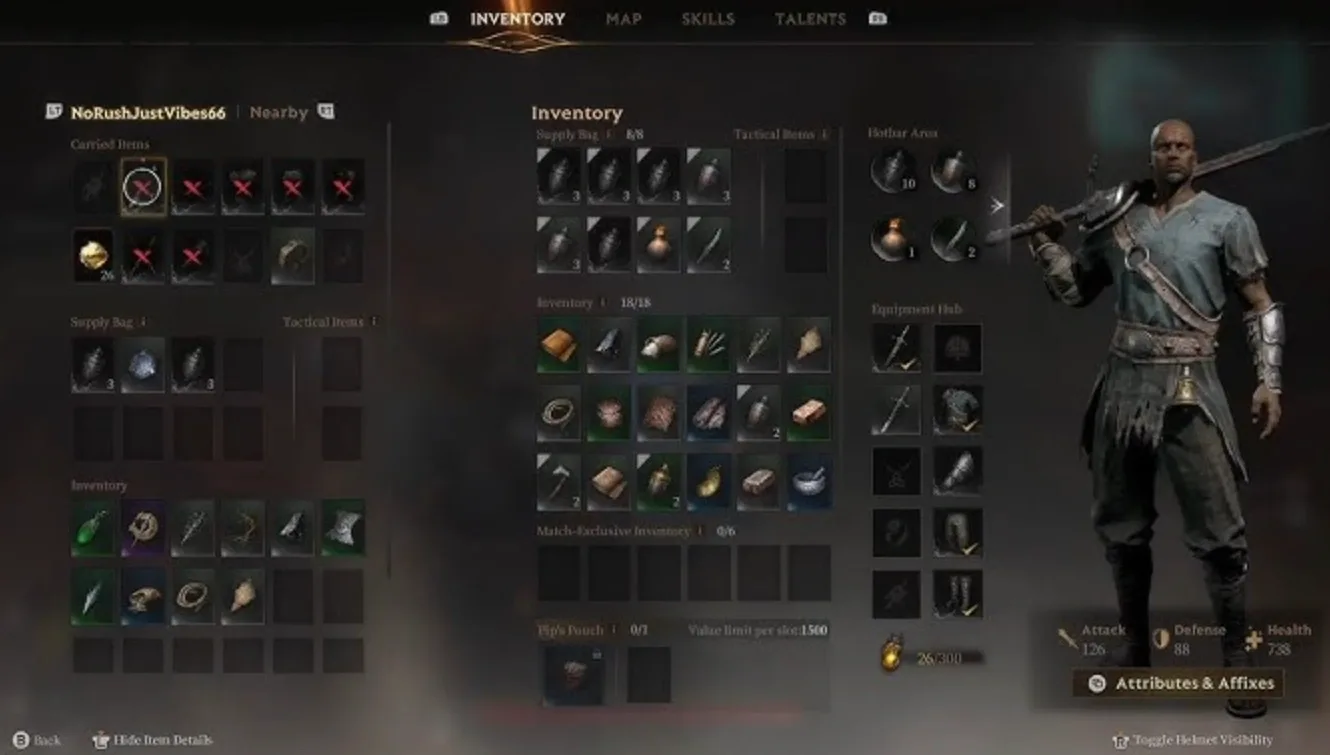
The painful version is when Code 1 hits mid-run instead of at login, because that usually costs you your kit. If you're rebuilding after that kind of night, an Auction House Gyldenblod top-upfrom $3.99 gets you re-geared in minutes instead of five more nervous raids. Now, the fixes.
Quick-fix checklist (do these in order)
Most Code 1 cases clear inside ten minutes. Work top to bottom and stop when you get in:
- Check server status before you touch a single setting. Steam news, the official Discord, Downdetector.
- Confirm the client is fully updated and launch it from your library, not an old shortcut.
- Verify game files on Steam.
- Go wired, pause every download, and kill any VPN you don't need.
- Set your matchmaking region manually to the closest one.
- Flush/change DNS, then test a phone hotspot to rule out your ISB route.
Reinstalling is last. It fixes almost nothing here and costs you an evening.
Fix 1: Rule out Bellring first
Verdict: this is the fix that saves you the most wasted time.
Server-side Code 1 looks identical to local Code 1 — same message, same screen. Check the Mistfall Hunter Steam news hub for maintenance notices, the official Discord for server status, and Downdetector to see whether other players are reporting the same thing at the same moment. The tell is timing: if login broke right after a patch, fails on multiple networks, and everyone in chat is screaming, it's not your router.
And Bellring does take servers down. The August 28, 2026 maintenance update was the first since launch to require actual downtime — roughly two hours from 06:30 UTC, with matchmaking closed from 06:00 and a client update required from your store afterwards. That same pass added a new Oceania server, removed enemy nameplates from matches, and cut invincibility frames from several Mercenary dodges. If you skipped the store update after a window like that, you get connection errors instead of a polite "please update" prompt.
Fix 2: Finish the update, then verify files
Launch from the Steam library rather than a desktop shortcut for your first test — that forces Steam to run the current executable and hand the game a fresh session. If files are missing or a patch applied badly, the client can hang before it ever reaches login; right-click the game, Properties, Installed Files, Verify integrity of game files, then restart. Corrupted client files can break the authentication handshake even when your connection is perfectly healthy.
Fix 3: Wired, clean pipe, no VPN
Verdict: boring, and it works more often than anything clever.
An extraction game punishes jitter far harder than it punishes raw bandwidth. Go wired, and clear the network during raids — pause downloads, cloud sync, and other-device streaming, because packet loss shows up as rubberbanding rather than as a bad speed-test number. Pause Steam downloads, stop large cloud uploads, and close other VPNs or network optimisation tools. A VPN you don't actually need adds latency and can cause drops on its own.
Fix 4: Lock your region manually
Battle servers sit in China, the United States, Germany, Singapore and Brazil, so plenty of players end up connecting cross-region — which means higher baseline ping, more hops, and more packet loss when routes get congested, producing login timeouts and post-login disconnects. Open the network/matchmaking settings, turn off Auto, and pick the region geographically closest to you. Oceania players: you have a native option now, use it.
Fix 5: DNS and a second network
Changing DNS helps specifically when the client can't resolve or reach login services. Test one provider at a time and revert to Automatic if nothing improves. DNS won't do a thing for server congestion or scheduled maintenance. Before you even think about reinstalling, tether your PC to a phone hotspot and try logging in there — if it connects, the problem is your ISP's route, not the game.
Fix 6: Anti-cheat and overlays
The Bellring Anti-Cheat component can cause launch failures when it collides with overlays or system permissions. Turn off non-essential overlays — Steam, NVIDIA — and close background apps that fight the client for resources. Adding an antivirus exclusion for the install folder has also helped players whose security software intercepts the UE5 build at launch.
Confirmed vs community fixes
| Fix | Status | Time |
|---|---|---|
| Update client after a maintenance window | Officially required | 5 min |
| Verify game files | Standard, safe | 5-10 min |
| Wired + pause downloads | Community, widely reported | 2 min |
| Manual region select | Community, logical | 1 min |
| DNS change | Community, reversible | 5 min |
| Antivirus exclusion / overlay off | Community | 5 min |
Be clear-eyed about the difference. Bellring has shipped genuine connection fixes — the July 30 update fixed console matches that couldn't reconnect after a disconnect, a pre-launch July 17 patch fixed reconnects being blocked when you dropped during a loading screen, and the August 6 update fixed a case where leaving mid-battle settled the match but failed to exit — but the DNS and overlay steps are player-sourced troubleshooting, not developer procedure.
When it's not Code 1: mid-raid drops and lost gear
Verdict: different error, same rage. Code 1 happens before a session is established; getting kicked shortly after you're in points at something else. And the consequences are worse. Your character lingers in the world after you drop, gets marked dead if you never reconnect, and if the match ends while you're offline the server treats it as a failed extraction — kit included. While you're logging back in you're a stationary target for monsters and other Gyldhunters.
Until your connection is proven stable, raid in gear you're happy to lose. Running cheap kits while you test is the standard advice for a reason — an unstable line plus high-value gear is a bad bet. If you feel rubber-banding or input delay, extract immediately instead of pushing for one more chest.
If your specific problem is the client dying rather than the connection, that's a different diagnosis — our Mistfall Hunter Fatal Error fixes cover the crash side, and the extraction guide covers keeping loot when things go wrong in-raid.
If nothing works
Bellring's own advice on unresolved client problems is to open a ticket on the official Discord for one-on-one help. Use the in-game customer support entry rather than a forum post, and include your hardware and the exact error text — an unreported fault is invisible to the people who can patch it. Log the time and frequency of your drops so the devs can correlate them with server data.
One honest note: don't assume lost gear gets restored. There's no confirmed restoration policy for disconnect losses, and treating it as a maybe is safer than treating it as a right. Also worth knowing that not everything is on your end — intermittent in-stage lag is still the item Bellring lists as open, restated on August 7, and PC Game Pass players have reported the launch connection screen simply never completing, which remains an unresolved community report rather than a fixed bug.
Quick answers
Does Code 1 mean I'm banned? No. It's a connection or authentication failure, not an account penalty. Code 1 is the game's generic login/server connection error.
Will reinstalling fix Code 1? Rarely. Treat a full reinstall as the last resort, not the first step — verify files and test a second network first.
Do I lose my loot if I disconnect at the extraction point? Often, yes. If you drop while the extraction timer is running, the server may never register the exit and can score it as a failed run.
Rebuilding a full kit after a connection-related wipe is 3-5 clean runs, and that's assuming the next one doesn't drop you too. If you'd rather skip the rebuild and get straight back to hunting, our Mistfall Hunter Gyldenblod deliveryfrom $3.99 lands via the Auction House so you can re-gear the same day.