Warzone HUENEME-NEGEV Error (2026): 7 Fixes That Work
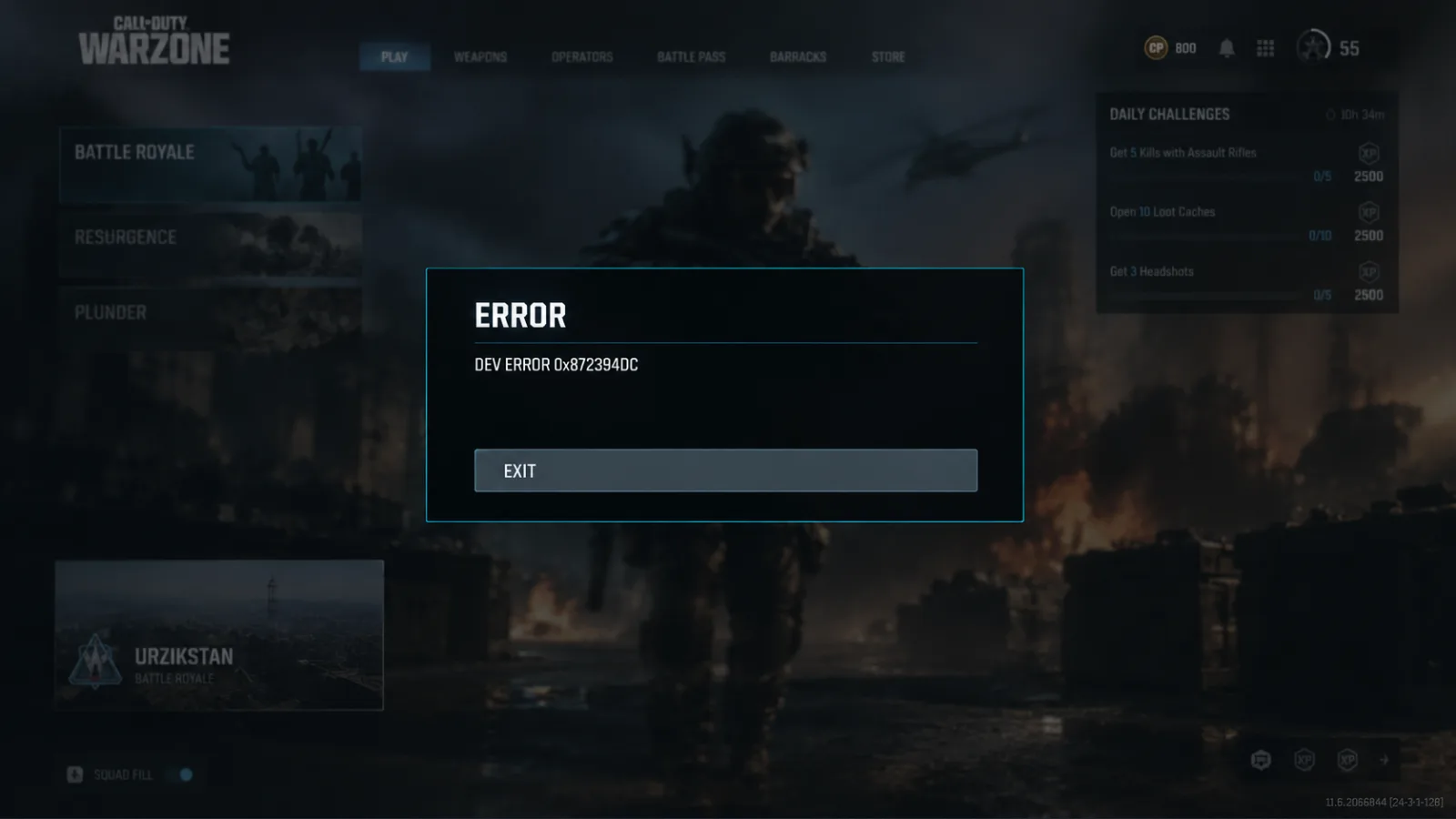
Warzone's "Networking Failed to Start — HUENEME-NEGEV" error is a connection handshake failure, not a ban or a crash. Here are 7 fixes in order of how often they actually work, plus what Activision has and hasn't confirmed.
Warzone's "Networking Failed to Start — Reason: HUENEME – NEGEV" error is a connection handshake failure, not a crash and not a ban — the game can't build a clean route to Activision's online services, and a full router/modem power cycle clears it for the largest share of players. It's a connection error rather than a crash: Call of Duty can't establish a clean route to Activision's online services, so it refuses to sign you in, and it's almost never your hardware.
The tell is simple. Discord works, Steam works, YouTube works — only Call of Duty refuses to sign in. It hits Black Ops 7, Warzone and Black Ops 6 identically because they share the same online backend, so don't waste an hour reinstalling one title. Timing matters too: Season 6 drops September 17, and a shortened ranked season means every night you spend in your router's admin panel is SR you never get back. If the calendar is your real enemy, our Warzone Ranked Play boostfrom $4.99 handles the climb while you fix your network.
Quick-fix checklist (work top to bottom)
Stop as soon as you're in a lobby — most players are done by step three.
- Check the Activision Online Services status page first.
- Power-cycle your router and modem — unplug for 60 seconds.
- Re-authenticate on your phone's mobile hotspot, then swap back to Wi-Fi.
- Switch DNS to Cloudflare (1.1.1.1) or Google (8.8.8.8) and flush your cache.
- Turn off every VPN, proxy and "gaming network booster".
- Disable Teredo (PC only).
- Enable UPnP on your router and go wired.
| Fix | Time | How often it lands (community reports) | Who backs it |
|---|---|---|---|
| Server status check | 30 sec | N/A — diagnostic | Activision (official guidance) |
| Router + modem power cycle | 3 min | High | Community |
| Mobile hotspot re-auth | 5 min | Medium-high | Community |
| DNS swap + flush | 5 min | Medium | Community |
| Disable VPN/proxy | 1 min | Medium | Community |
| Disable Teredo (PC) | 2 min | Low-medium | Community |
| UPnP + wired Ethernet | 10 min | Low, but permanent | Community |
Hit rates are my read of community reporting, not published Activision data. Treat them as an order of operations, not statistics.
1. Check server status before you touch anything
Verdict: 30 seconds that can save you an hour.
Check the official server status page on the Activision Support Online Services site to see whether the issue is tied to maintenance — if maintenance is ongoing, no local troubleshooting is needed and the error should clear on its own. If it's a server-side blip, nothing you do on your end will work.
Patch days are the worst offenders. Season launches and Reloaded updates hammer the login backend, so if the error appeared within an hour of a download finishing, check status before you start rewriting DNS entries.
2. Power-cycle the router and modem properly
Verdict: the highest hit-rate fix, and almost everyone does it wrong.
A full router/modem power cycle — unplugged for 60 seconds — is one of the two fixes clearing this error for the most players right now. Not a reboot from the web panel. Physically unplug it.
Why it works: a complete reboot clears cache and memory and can resolve a range of network issues from packet loss to high latency. Pull power from the modem and the router, wait a full minute, plug the modem back in first, and only launch Call of Duty once your other devices are back online.
If your ISP hands you a new IP on every reconnect, this fix is doing double duty — it clears the stale route and gives you a fresh address. That's why it works so often and why people can't explain it.
3. The mobile hotspot re-auth trick
Verdict: strange, unofficial, and it works more often than it should.
Launch the game on your phone's hotspot until you're in a lobby, then switch back to your home Wi-Fi — that's the whole trick. It forces a clean re-authentication, but it doesn't fix the underlying route your ISP takes to Activision's servers, so expect it to come back if that's your real problem.
One community theory for why this helps: the error is attributed to a soft IP lock, where the server sees multiple IP addresses tied to your device and blocks the connection, often caused by network switching, dynamic IPs, or a shared connection. That explanation is unverified — Activision has never published it. Treat it as a working hypothesis, not gospel.
4. DNS swap and flush
Verdict: the permanent version of the hotspot trick.
If the error keeps returning, make the fix permanent: change DNS to Cloudflare (1.1.1.1) or Google (8.8.8.8), enable UPnP on your router, and switch to wired Ethernet. On PC, open Command Prompt as Administrator and run ipconfig /flushdns, then reboot. On PS5 and Xbox you can enter the same DNS addresses manually in network settings — this is not a PC-only fix.
5. Kill your VPN (yes, including the "gaming" ones)
Verdict: VPNs cause this error far more often than they cure it.
A VPN usually causes HUENEME – NEGEV by routing you into a congested or region-limited path to the servers, so disabling it is the default fix — though a small number of players on a genuinely broken ISP route find a clean VPN path fixes it instead; test with it off first.
Be blunt with yourself about the second case. Some guides recommend a VPN to bypass network or firewall restrictions causing the error, and players in a handful of regions have historically needed one to connect at all. But VPN use around Warzone carries its own headaches, and it should be your last resort, not your first.
6. Disable Teredo (PC)
Verdict: niche, but a clean two-minute test.
Networking protocols like Teredo can interfere with IPv6 settings and make it harder for the game to connect. Press Win+R, type "cmd", hit Ctrl+Shift+Enter for an admin prompt, then run netsh interface teredo set state disabled. Relaunch. If nothing changes, you can re-enable it later with set state default.
If nothing works
Verdict: escalate, and stop reinstalling — a 150GB re-download fixes a networking handshake roughly never.
- Confirm it isn't a tracked bug. Activision maintains a Known Issues page listing issues being tracked in Black Ops 7. That list is updated continually, and if your problem is on it, the fix is coming from the developer.
- Open a support ticket with your platform, region, ISP and exact error text. If the standard steps don't resolve it, contacting Activision Support is the recommended next move.
- Don't confuse it with its cousin. The
Connection to the Blizzard game server has been lost/BLZBNTBGS000003F8error is a separate Battle.net-side issue, and Scan and Repair is the highest-hit-rate fix for the post-patch version of that one — not for this one.
One honest note to close the diagnostics: as far as I can tell, Activision has never published a dedicated fix article naming HUENEME – NEGEV. Everything above except the server-status check and the support escalation is community-derived. It works, it's low-risk, and it's reversible — but nobody at Treyarch signed off on it.
A bad routing week can eat three or four evenings, and with Season 6 running a compressed ranked calendar from September 17, that's a real chunk of your placement window gone. If you'd rather not spend the back half of the season playing catch-up, our Warzone Resurgence Ranked boostfrom $4.99 gets the SR grind done while you're troubleshooting — and if you want the lay of the land first, start with our Season 6 breakdown.
本文相关的 Call of Duty: Warzone 服务
这篇指南里的内容可以交给经过审核的代练完成,全程在线客服、按约定时间交付。